
How-to / SOLIDWORKS
How to flatten a curved surface, model on it and wrap it back in SOLIDWORKS
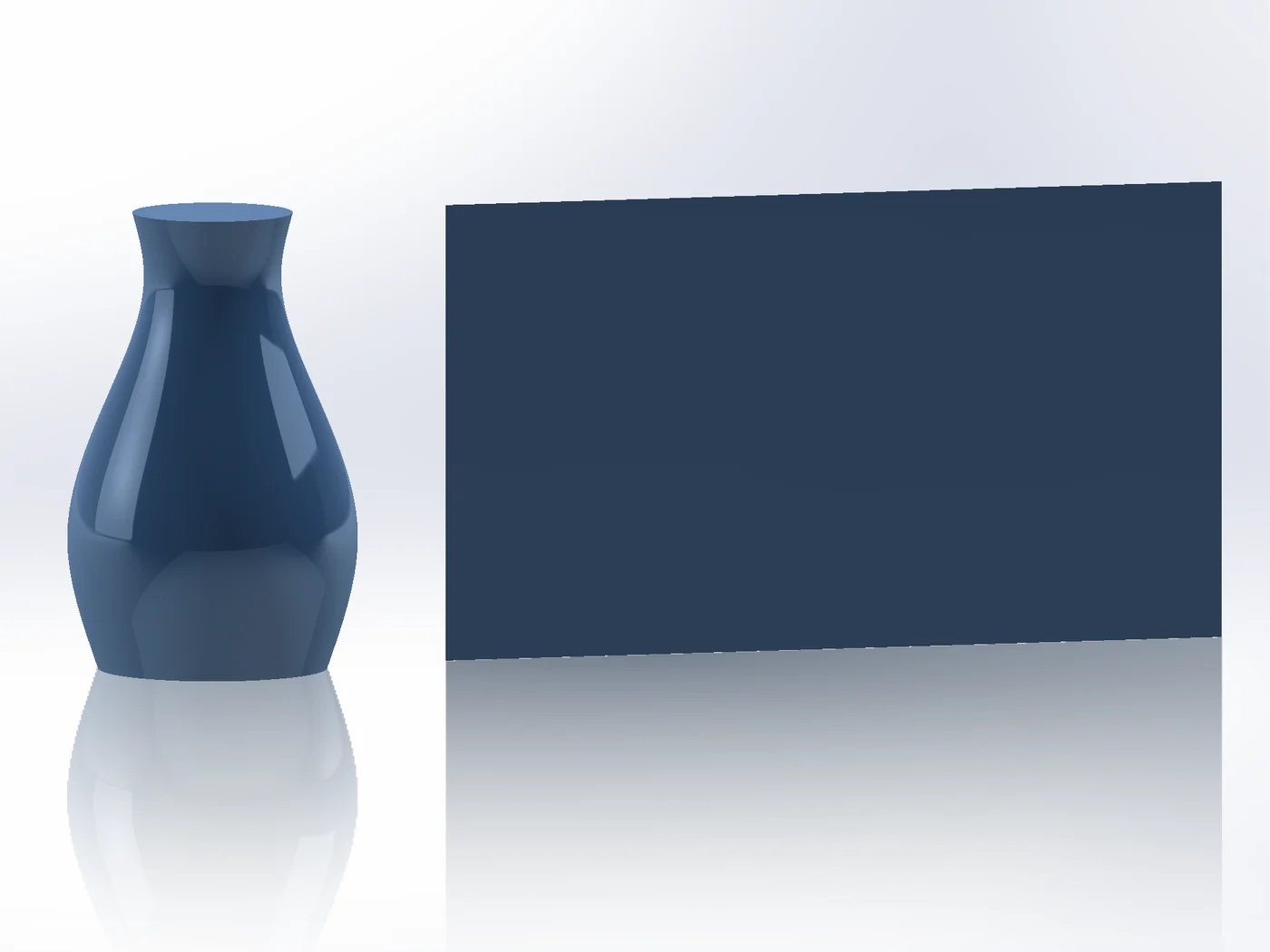
Surface Flatten (SOLIDWORKS Premium) lays faces flat, but there is no built-in way to bring what you model on the flat back onto the part. Unwrap lays the faces flat beside the part as a parametric surface; model on it, and Surface Wrap wraps the result back exactly where it was modelled, also round closed bottles.
Step by step
- 01Select the faces, then
Advanced Surface Toolstab › Unwrap. Mapping Cylindrical for bottles and vases, Flatten for other connected faces. OK lays them flat beside the part. - 02Sketch and model on the flat: a logo, a grip, raised lettering, a pocket.
- 03Select the original faces,
Advanced Surface Toolstab › Surface Wrap, and pick the body you modelled: it is placed where you modelled it on the flat. - 04Output Solid adds it to (or cuts it from) the part. Edit the flat model later and the wrap follows.
Good to know
- Doubly curved faces cannot be flattened without stretch; the status line shows how much.
- The flat stays where it was placed, so features modelled on it keep their place when the faces change.
Try it on your own part
Advanced Surface Tools is a SOLIDWORKS add-in (2023 or newer). Every tool works free for 14 days; a licence is €99 plus VAT, one-time.
Docs: Unwrap · Surface Wrap
Questions
Yes. The flat is a surface body: measure, sketch on it or use its outline.
Yes. Holes stay holes in the flat, and wrapped bodies across the back seam join up.