
How to wrap a sketch onto a sphere or doubly curved surface in SOLIDWORKS
Wrap only takes planar, cylindrical and conical faces without distortion; its Spline Surface method distorts on doubly curved faces and works on one face. Pattern Mapper maps a 2D sketch onto any faces (as curves, emboss, deboss or split lines) and Surface Wrap wraps a modelled body onto them, both keeping proportions as well as the surface allows.
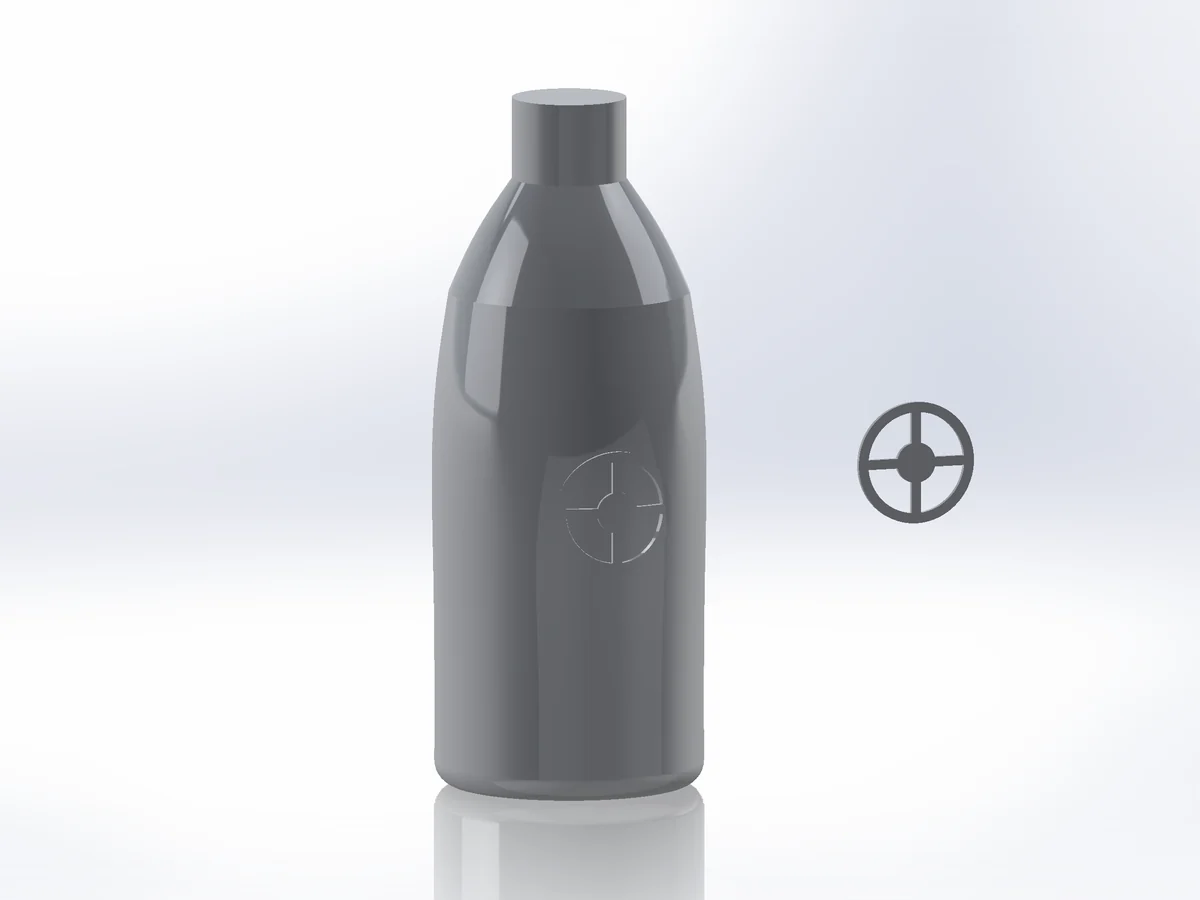
Why Wrap fails here
- Wrap embosses, debosses or scribes a closed 2D sketch onto one face. The Analytical method takes planar, cylindrical and conical faces (and extruded or revolved ones); the Spline Surface method takes other faces but distorts the sketch as the curvature grows, and it cannot go all the way round a closed face.
- A sphere cannot be laid flat without stretch, so any wrap has to distribute that stretch somewhere.
A sketch onto the faces
- 01Select the faces, then
Advanced Surface Toolstab › Pattern Mapper, Mode Sketch. - 02Draw faces outline puts the faces laid flat on the Front plane: draw your sketch on it (or pick an existing 2D sketch).
- 03Choose the Mapping: Flatten spreads the stretch evenly over several faces (the status shows how much), UV follows the face parameters, Projection projects along a direction.
- 04Output 3D sketch (curves on the surface), Emboss, Deboss or Split line. OK.
A modelled relief onto the faces
Surface Wrap: model the relief flat (any solid or surface body, height along +Z), pick it, place it in the canvas and wrap it. Repeats along X / Y place copies; Output = Solid adds it to the part.
Try it on your own part
Advanced Surface Tools is a SOLIDWORKS add-in (2023 or newer). Every tool works free for 14 days; a licence is €99 plus VAT, one-time.
Docs: Pattern Mapper · Surface Wrap · Unwrap
Questions
Depends on how much of the sphere you cover: a small cap hardly, a hemisphere noticeably. Flatten mapping minimises it and reports the remaining stretch.
Yes. Any faces work, also several connected faces and closed ones.