
How to join separate surfaces smoothly or bridge a gap in SOLIDWORKS
Filled Surface needs a closed boundary, so it refuses the edges of separate surfaces. A Loft or Boundary Surface between two edges works for a simple bridge. Advanced Surface takes the edges as they are: the gaps between them become free edges that leave one surface tangentially and arrive at the next, and one patch is tangent or curvature-continuous to every picked edge.
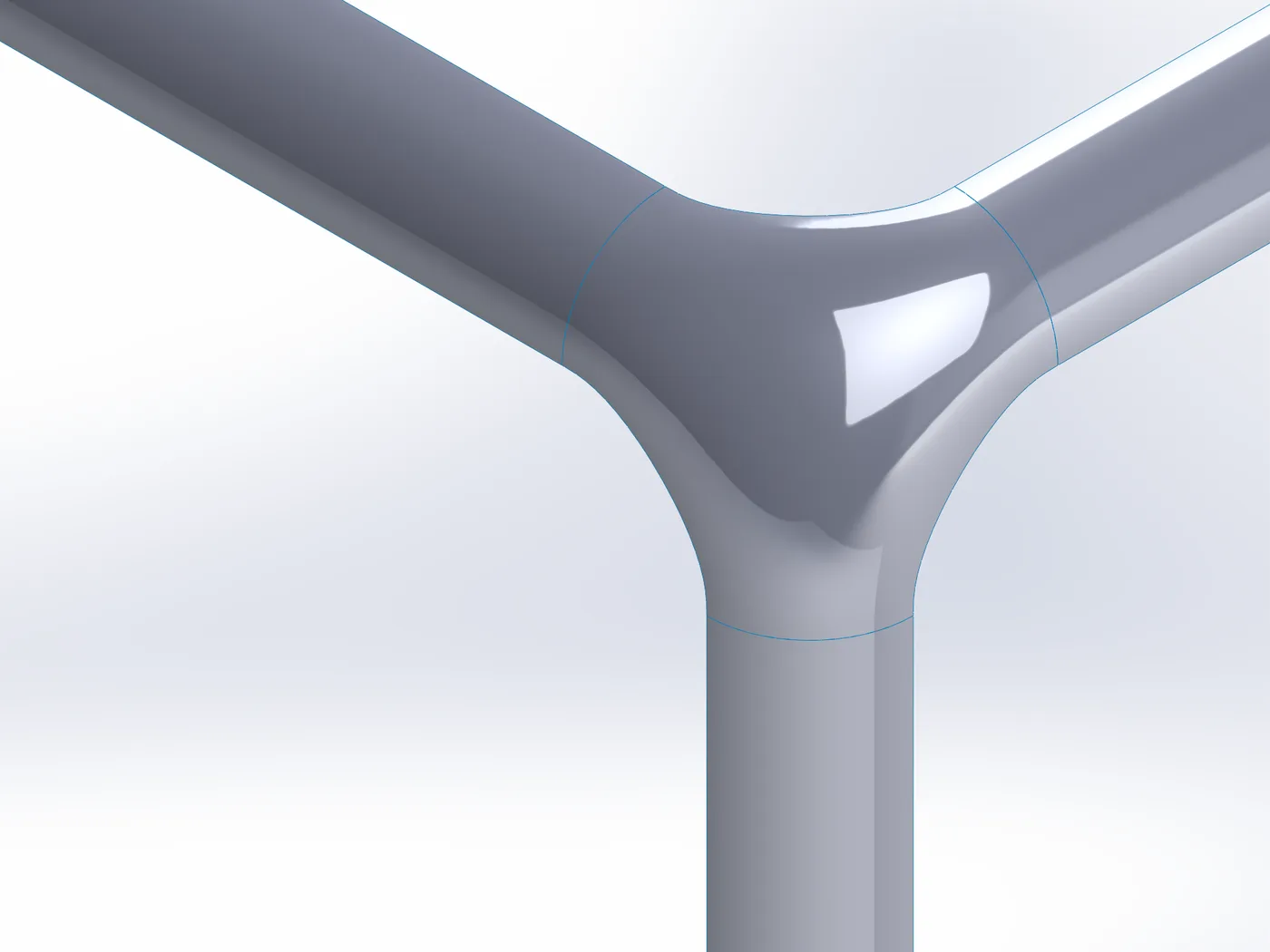
What SOLIDWORKS offers built in
- Filled Surface needs a closed boundary. In our tests it made no feature for the end edges of three separate fillets or for the inner edges of a cross of four strips.
- Loft or Boundary Surface between two edges, with tangency to their faces: fine for a bridge between two edges. Three or more separate edges need several patches that then have to meet each other smoothly.
Step by step
- 01Select the edges of the separate surfaces (the ends of the fillets, one edge of each plate), then
Advanced Surface Toolstab › Advanced Surface. The page puts them in order; the gaps between them become free edges. - 02Choose Tangent or Curvature for the edges (no line highlighted: every edge).
- 03Free edge tension sets how far each free edge runs along the neighbouring surface before it curves across; an edge’s Influence scales it at that end. Where a face has a side edge at the end of a picked edge, the free edge continues along it.
- 04For outlines with arms, such as several fillet strips meeting, Split into patches (on by default) builds each arm as its own four-sided surface and holds the middle to them, sewn into one body.
- 05OK. The result is one surface body; knit it to the others.
Limits
- Up to 8 separate runs of edges in one feature. Free edges crossing each other are refused.
- Ends of curves closer than 0.5 mm are treated as a gap you meant to close and refused: Advanced Surface never bridges such a gap silently.
- The free edges’ targets are looser than the picked edges’ (they meet nothing): 0.5° and 10 µm.
Try it on your own part
Advanced Surface Tools is a SOLIDWORKS add-in (2023 or newer). Every tool works free for 14 days; a licence is €149 plus VAT, one-time.
Docs: Advanced Surface
Questions
They leave and arrive tangent to the neighbouring surfaces and follow their curvature at both ends; along the free edge itself the surface is held tangent.
No. They are made from the surfaces at both ends. Free edge tension and Influence shape them.