
How to make a smooth corner where three fillets of different radii meet in SOLIDWORKS
Where fillets of different radii meet at a box corner, SOLIDWORKS builds its own corner patch, and zebra stripes often show a break in it. To replace it, pick the corner face’s edges and fill them with Advanced Surface, Curvature on each edge: the new patch continues the three fillets, and the zebra stripes run through it.
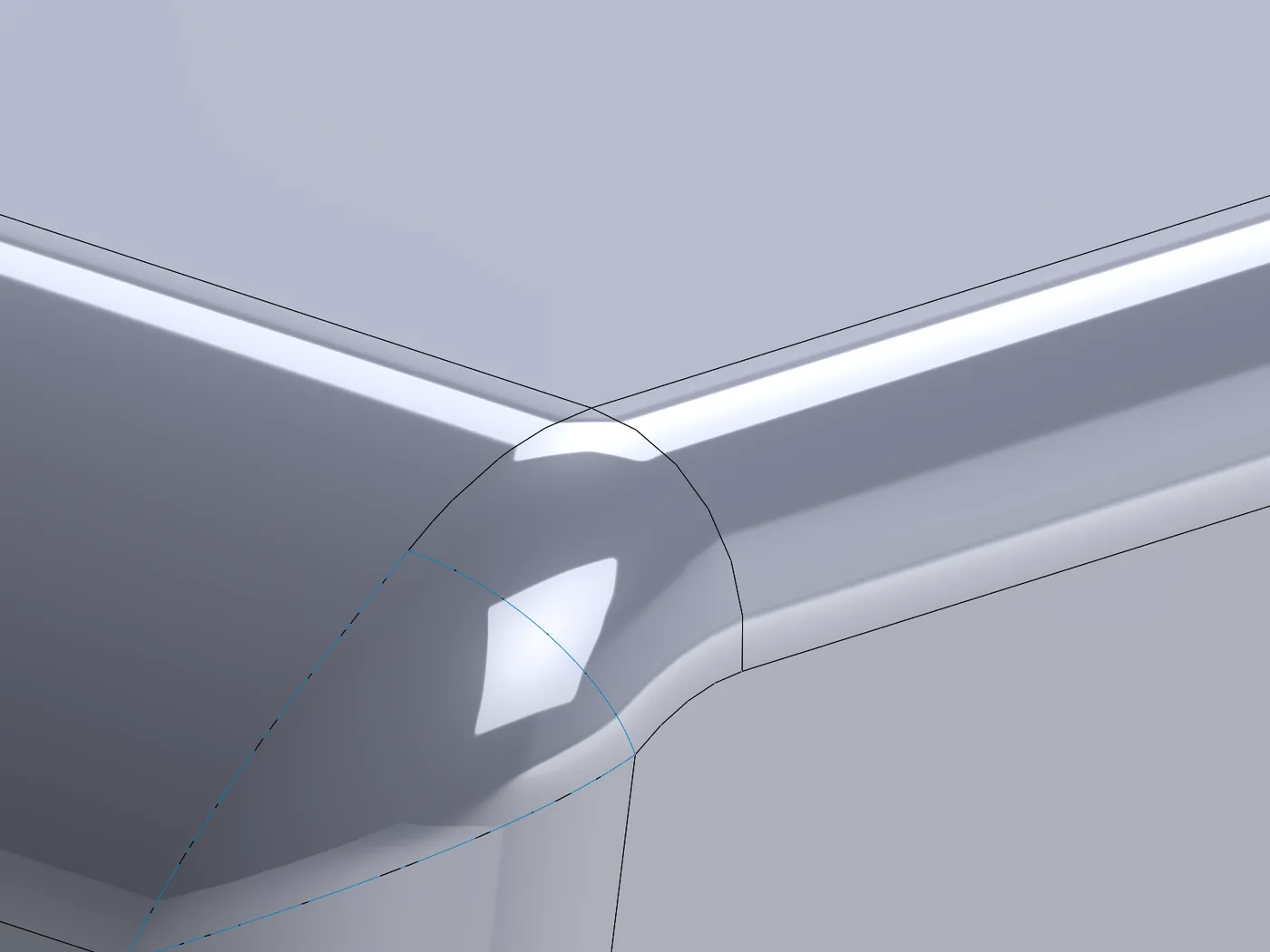
What SOLIDWORKS offers built in
- The Fillet feature’s own corner patch, with setback options and FilletXpert’s Corner tab to choose between alternatives. The patch is tangent to the fillets; curvature continuity across its edges is not guaranteed.
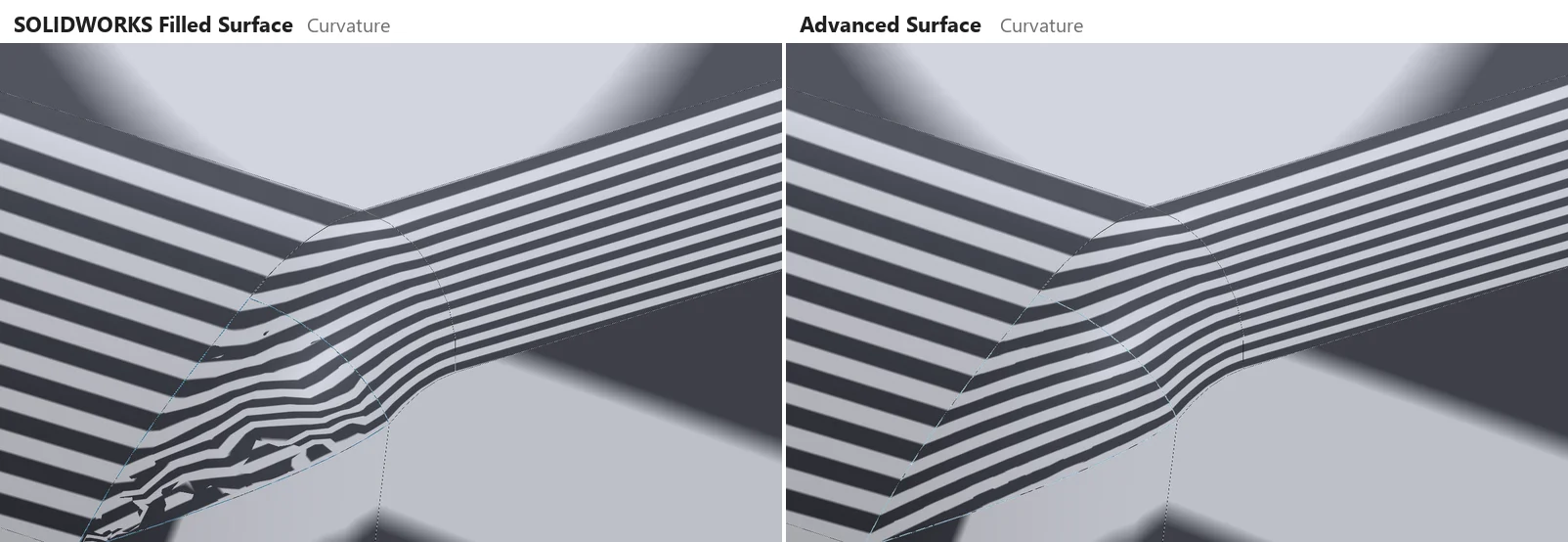
- Delete the corner face and fill the hole with Filled Surface, Curvature on each edge. In our test on a 5 / 8 / 12 mm corner, replacing the corner face this way still left an 81 % curvature difference across its edges, and the zebra stripes broke up.
Step by step
- 01Model the fillets as usual.
- 02Select the edges of SOLIDWORKS’ corner patch, then
Advanced Surface Toolstab › Advanced Surface. Because every edge of that face is picked, the fill continues the fillets, not the patch it replaces. - 03With no line highlighted choose Curvature. The preview gives each edge a ✓ when it meets the targets.
- 04OK. Then swap the old corner face for the new surface with the usual surface tools, for example Delete Face on the corner, then Knit Surface with Create solid.
Why the very corner cannot be perfect
At the corner point the three fillets meet with different curvatures, so no surface can match all three exactly there. Advanced Surface matches them along the edges and blends over a short zone next to each corner, and reports the zone. Away from the corners the curvature difference in the test above was 0.02 %.
Fillets that stop short of the corner
If the fillets do not meet (a setback, or surfaces from separate features), pick their end edges instead: the gaps between them become free edges, and one patch joins all three. SOLIDWORKS’ Filled Surface makes no feature for such a boundary.
Try it on your own part
Advanced Surface Tools is a SOLIDWORKS add-in (2023 or newer). Every tool works free for 14 days; a licence is €149 plus VAT, one-time.
Docs: Advanced Surface
Questions
Set Tangent. On the same corner, Tangent on all edges, Filled Surface left 0.69° at the edges and Advanced Surface 0.015°.
Yes. With three equal fillets (5 mm), Tangent: 0.023° at the edges against Filled Surface’s 0.25° in our test.