How-to / SOLIDWORKS
SOLIDWORKS 3D Texture and Wrap: limits and an alternative for real geometry
3D Texture converts a body with a texture appearance into a mesh (graphics) body, and Wrap embosses one sketch onto one simple face. Advanced Surface Tools keeps everything as exact NURBS (B-rep) geometry in normal, editable features, on any faces including doubly curved, multi-face and closed ones.
Compared
3D TextureTexture appearance → mesh (graphics) body. Good for 3D printing a look; no exact faces, heavy, most features no longer apply after it.
WrapOne closed sketch → emboss / deboss / scribe on one face. Exact on planes, cylinders and cones; Spline Surface distorts on doubly curved faces.
Curve / Fill patternsFeature by feature; Fill Pattern planar only; slow in the thousands.
Surface DisplaceImage or generated texture → NURBS faces, on any faces, seamless round bottles.
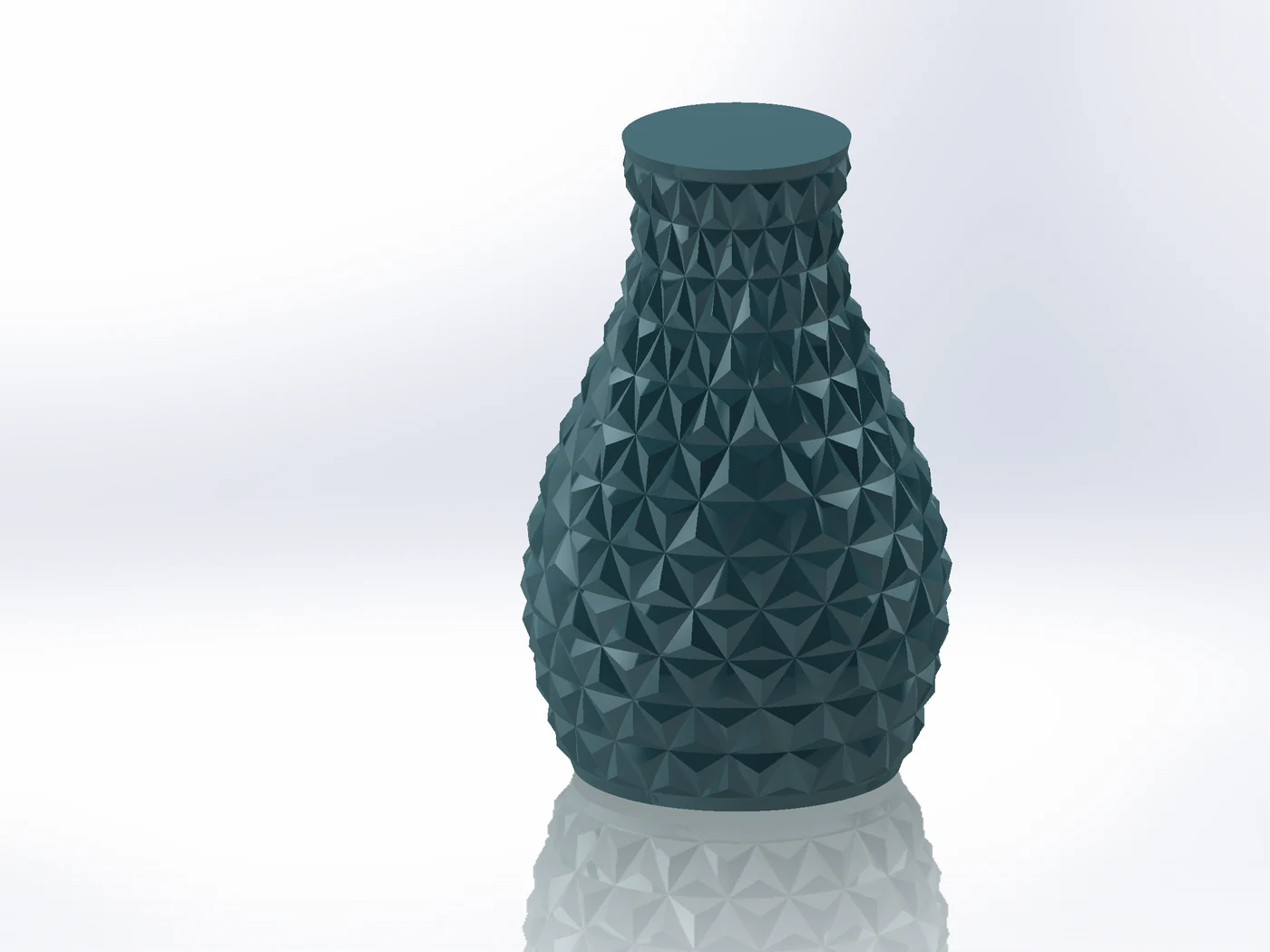
Geometric SurfaceLattices of tiles with sharp creases → real faces, sewn into the solid.
Pattern MapperLayouts, text and sketches → emboss, deboss, split lines, 3D sketches or bodies on any faces.
Surface WrapA modelled body → wrapped onto any faces, keeping its shape.
When the built-in tools are enough
- A logo on a cylinder or plane: Wrap is fine.
- A printed part where the look matters and a mesh is acceptable: 3D Texture can do.
- Everything that must stay exact, editable, mouldable or exportable as STEP, or does not sit on a single simple face: that is what these tools are for.
Try it on your own part
Advanced Surface Tools is a SOLIDWORKS add-in (2023 or newer). Every tool works free for 14 days; a licence is €99 plus VAT, one-time.
Docs: Surface Displace · Geometric Surface · Pattern Mapper · Surface Wrap
Questions
SOLIDWORKS 2023 or newer on Windows 10/11, 64-bit. Parts only.
Yes, every tool free for 14 days, no account. A licence is a one-time purchase with all updates.