
How to add a real texture to a curved surface in SOLIDWORKS
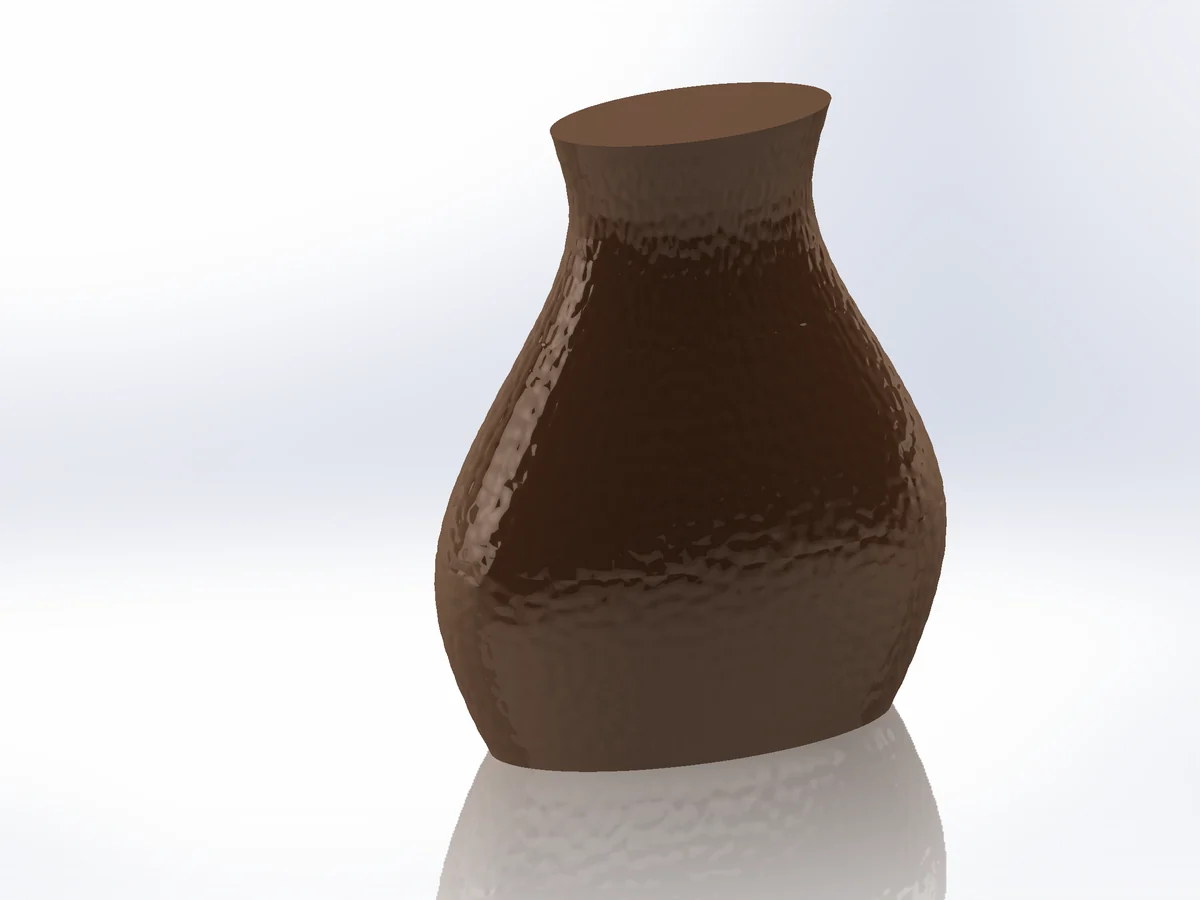
An appearance or decal only changes how the part renders, and 3D Texture turns the whole body into a mesh. To get a texture as real, editable geometry on curved faces, use Surface Displace: it displaces the faces by a generated texture or your own grayscale image and builds exact NURBS surfaces, as one parametric feature.
What SOLIDWORKS offers built in
- Appearances and decals: visual only. Nothing to print, mould or measure.
- 3D Texture turns a texture appearance into geometry, but the result is a mesh (graphics) body for the whole body: no exact B-rep faces, heavy files, and most modelling features no longer apply after it.
- Patterned features: fine for a few large bumps, not for a grain of thousands.
Step by step
- 01Select the faces (one or several, also round a bottle), then
Advanced Surface Toolstab › Surface Displace. - 02Source Generated and a preset in the Task Pane (sand, orange peel, stone, hammered, crackle, leather, stipple, wood, brushed, knurl, cross-hatch), or Source Image and a grayscale PNG / JPG: black = 0, white = full depth.
- 03Pick the Mapping: UV for one face, Flatten for several connected faces, Cylindrical for bottles and vases (seamless around).
- 04Set the depth (Amplitude) and the tile size; the canvas shows the texture over the faces laid flat.
- 05Edge fade blends the texture out towards the edges; + Modifier makes it stronger or weaker locally.
- 06Output Solid sews the textured faces into the part. OK.
Paint your own texture map
Export paint map… saves the faces laid flat as an image with its frame. Paint on it in Photoshop or any editor and load it back: it lands exactly where you painted it.
Limits
- About 250 × 250 control points per face: fine textures on large faces lose depth. Split a large face, or use Geometric Surface for sharp, regular patterns.
- Replace faces fades at every face edge; Surface body and Solid stay continuous across smooth edges.
Try it on your own part
Advanced Surface Tools is a SOLIDWORKS add-in (2023 or newer). Every tool works free for 14 days; a licence is €99 plus VAT, one-time.
Docs: Surface Displace
Questions
No. Surface Displace builds B-spline (NURBS) surfaces. The part stays a normal solid you can fillet, shell, export to STEP and machine.
Yes, as Source = Image: any grayscale height image. The detail you get is limited by the control-point count per face.