
Tutorials · 3 videos
Tutorials
Every tool step by step: what it is for, how its page works, one complete example, and what else it can do. Each tutorial comes with the SOLIDWORKS parts to download for free.
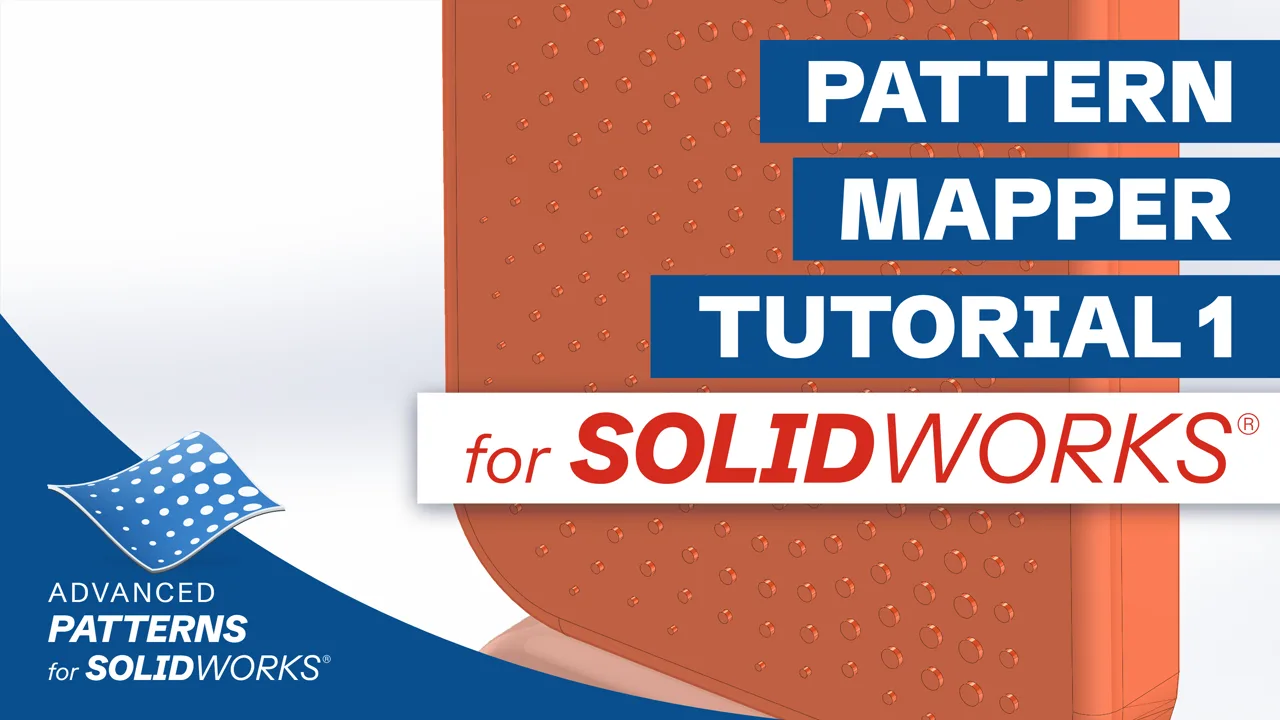 Pattern Mapper – Tutorial 1Embossing a pattern on a curved face
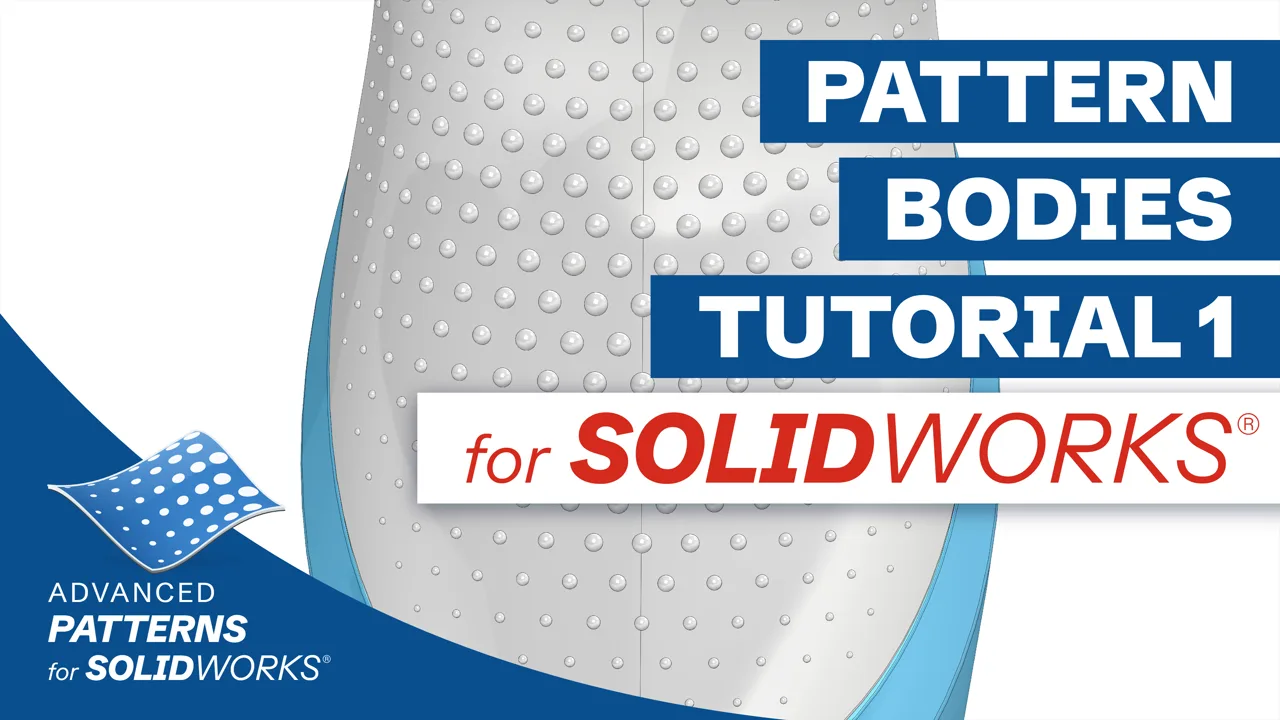 Pattern Bodies – Tutorial 1Placing solid bodies on a curved grip
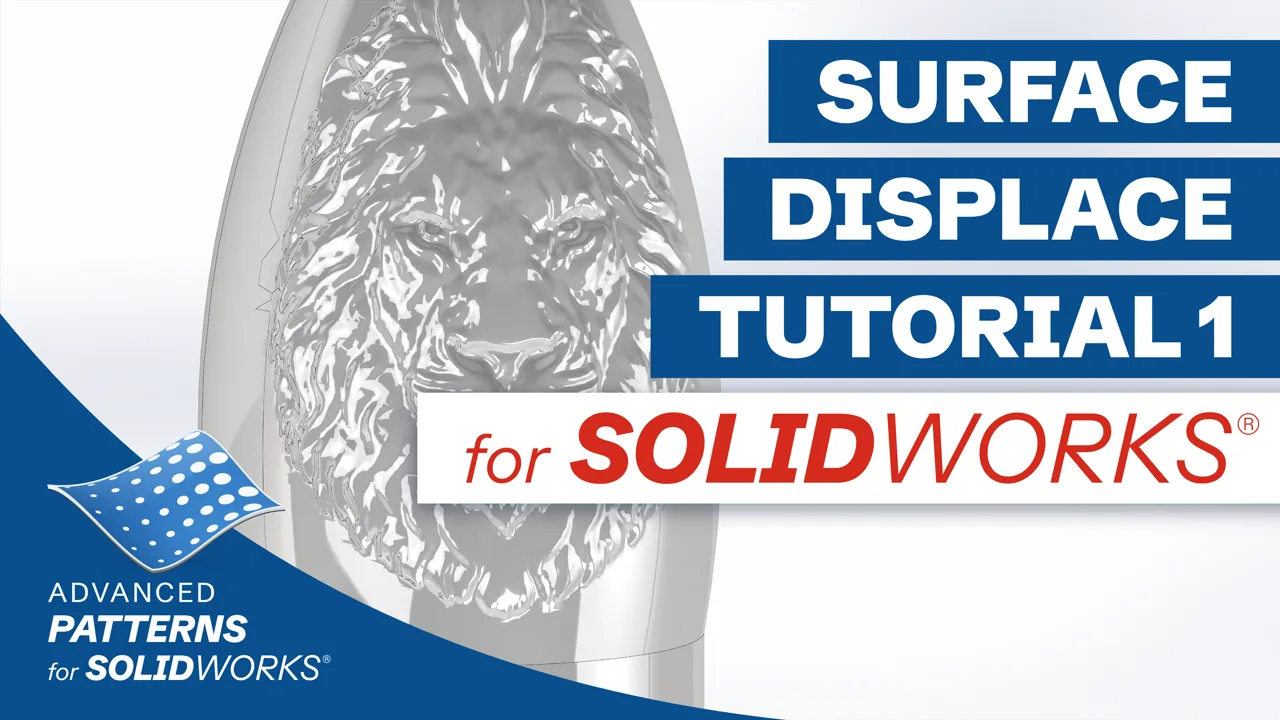 Surface Displace – Tutorial 1Turning an image into a relief on a curved face
Geometric Surface – Tutorial 1A faceted texture with sharp creases
Pattern Mapper – Tutorial 2Splitting a face along a pattern
Pattern Mapper – Tutorial 3Sketch curves and text on a curved face
Pattern Mapper – Tutorial 4Bodies along edges and curves
Advanced Surface – Tutorial 1Filling an N-sided boundary with G2 continuity
Continuity Check – Tutorial 1Checking G0, G1 and G2 joins
Unwrap – Tutorial 1Flattening a curved face
Surface Wrap – Tutorial 1Wrapping a flat design onto a curved face
Split Body – Tutorial 1Opening a solid into surfaces
Retract Surface – Tutorial 1Trimming open edges back to fill them again
Sketch Blend – Tutorial 1Blending between two sketch curves
Arc Polygon – Tutorial 1Polygons with arc sides
Clean DXF Import – Tutorial 1A messy DXF as clean sketch geometry
Clean Sketch – Tutorial 1Cleaning up a sketch
Render Export – Tutorial 1A part out to rendering, with its appearances
Missing a topic?
Tell us which tool or task you would like a tutorial on. The topics asked for most come first.