

Close the hole, and know how smooth the join is.
Fill holes, fillet corners and gaps between surfaces with one smooth surface, flatten faces and wrap work back onto them, and measure how faces join along every edge. All as normal SOLIDWORKS features.
- Contact, tangent or curvature-continuous (G2) per edge, measured edge by edge after every build
- Unwrap faces, model on the flat, wrap the result back where you modelled it
- Gap, angle and curvature jump per edge, in colour on the model and as a CSV report
The trial unlocks every module for 14 days. Parts always rebuild without a licence.
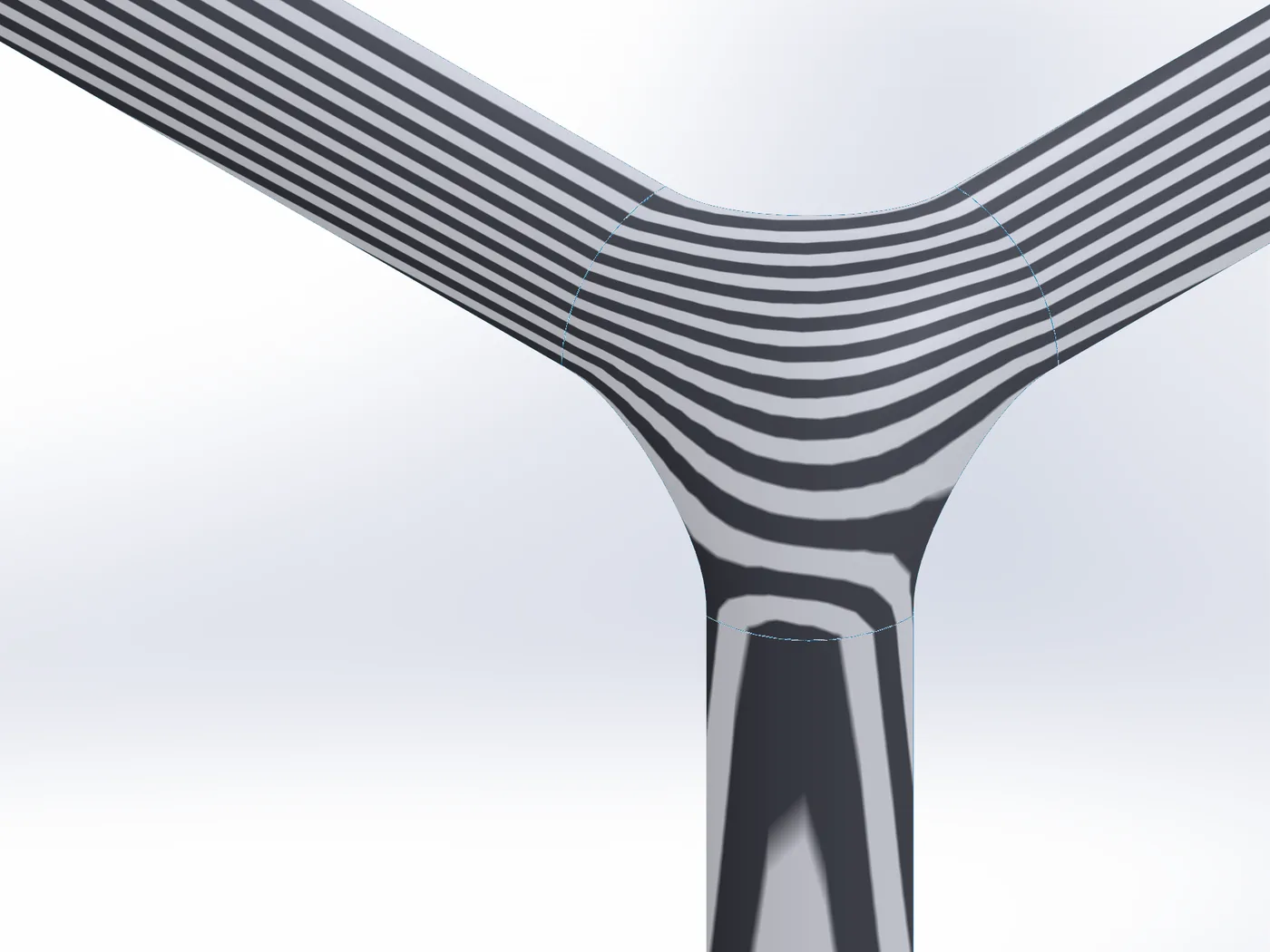
Build, fix and check surfaces: G0 / G1 / G2 fills for holes, corners and gaps, flatten and wrap, split bodies into surfaces, pull surface edges back, and every join measured.
Advanced Surface
Fills a hole, a corner, a ring or the gap between separate surfaces with one smooth NURBS surface: in contact, tangent (G1) or curvature-continuous (G2) to every edge you pick. Free edges you control, constraint curves and points you can shape inside, and every edge measured after the build.
Split Body
Splits a solid or surface body into surface bodies: one per face, or one per group of faces you pick. Parametric.

Retract Surface
The opposite of Extend Surface: moves a surface body’s open edges inward along the surface, each edge by its own distance.

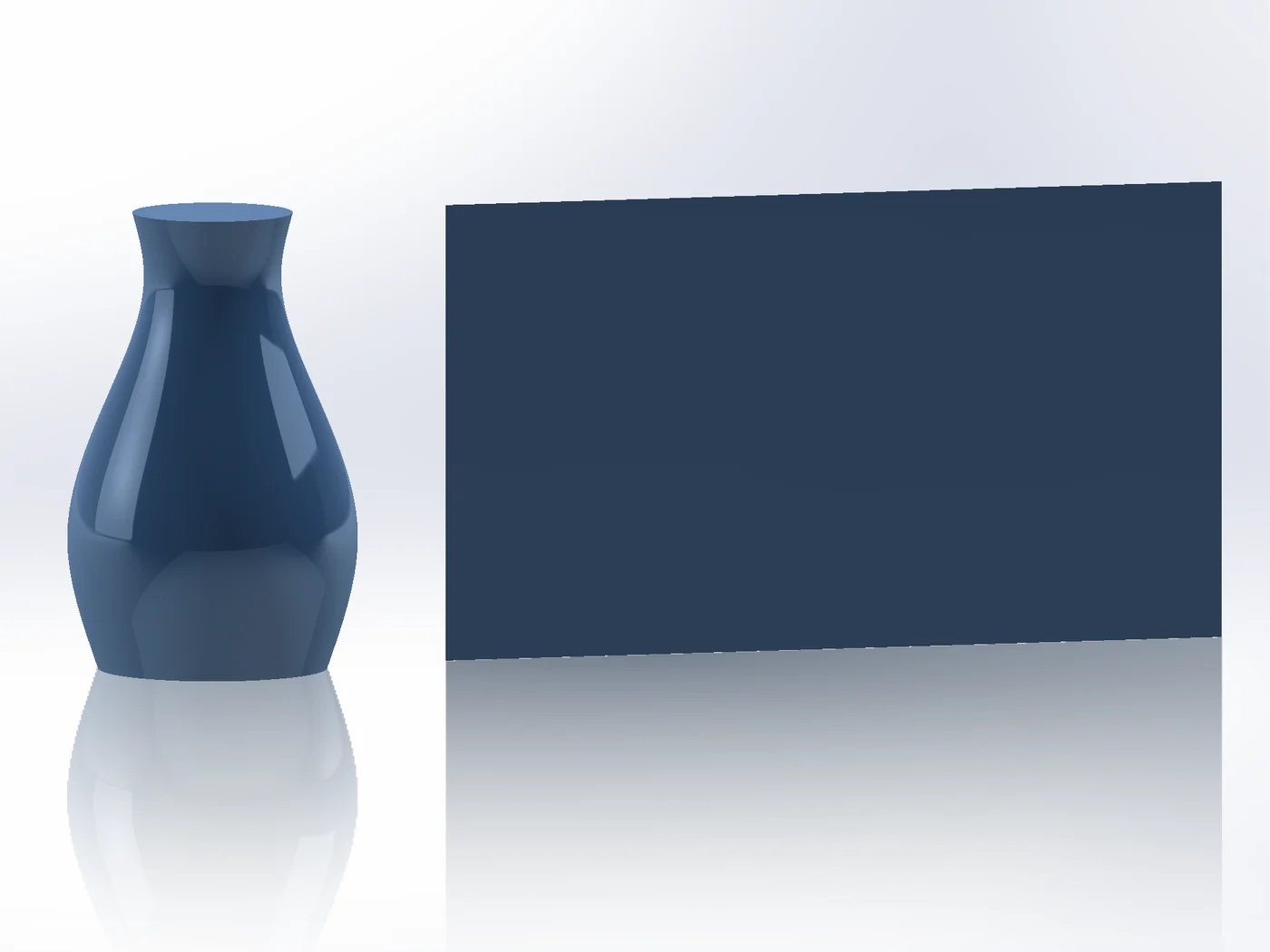
Unwrap
Flattens curved faces into a flat layout beside the part. A base for modelling details in the flat.
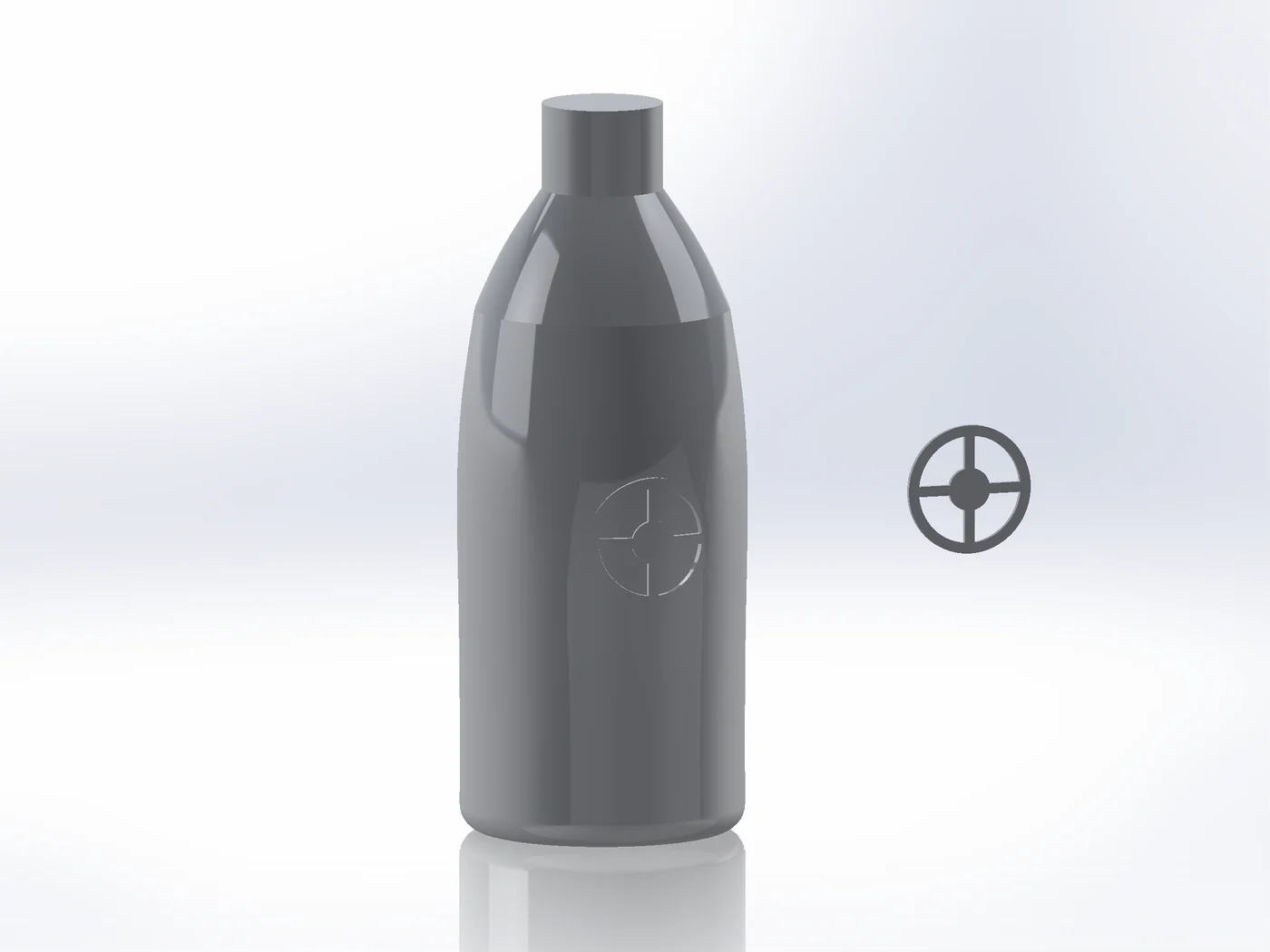
Surface Wrap
Model a detail flat, such as a logo, grip or relief, and wrap it onto a curved surface while keeping its shape.
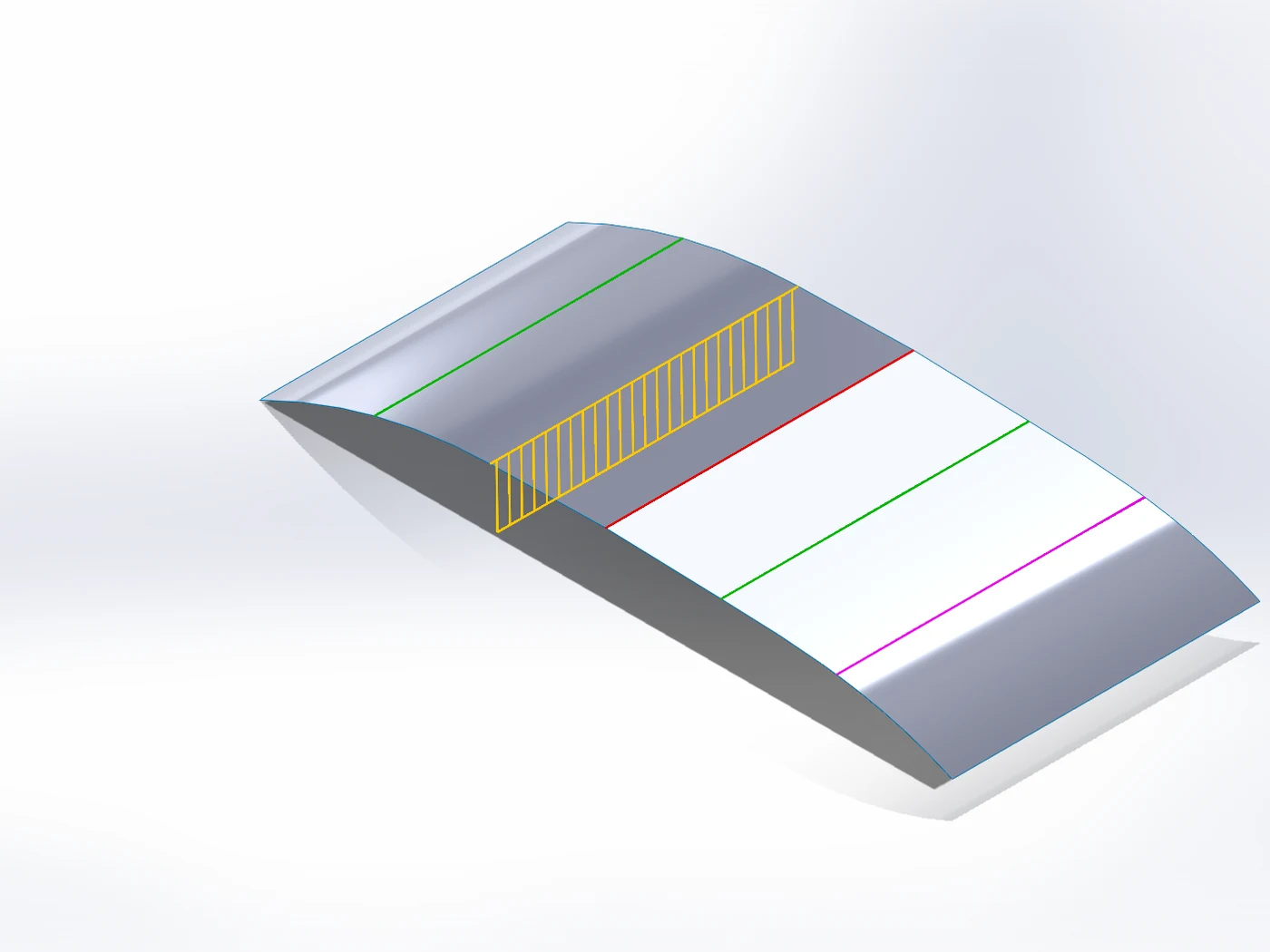
Continuity Check
Checks how faces join along their edges: the gap, the angle and the curvature jump on every edge, each edge drawn G2, G1, kink or gap. Also between surfaces that are not knit yet.
Step by step, with what SOLIDWORKS does built in.
Advanced Surfacing alone, or everything.
Advanced Surfacing is a one-time purchase with all its updates. The SWPlugins Suite adds the other modules and every module we add later. If you start with a module and want the Suite afterwards, write to support@swplugins.com for an upgrade code.